Learn How HP's Displays & Docks will improve your WFH Environment

We’re excited to be an HP partner and showcase their displays and docks to improve any office or work from home environment.
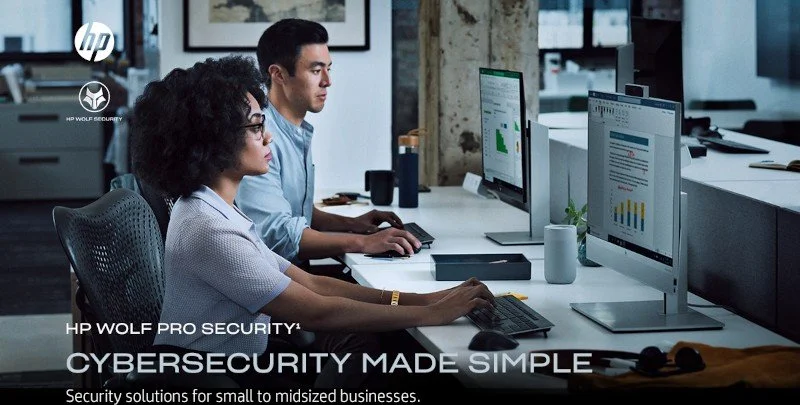
When we work from home, we strive for an organized and efficient space — yet there can be limitations to working from home like where to connect all of your devices without cluttering your home office space. Plus, using the right technology is critical when trying to improve your productivity. So today, we’re going to discuss two of HP’s great product lines: Docks & Displays.
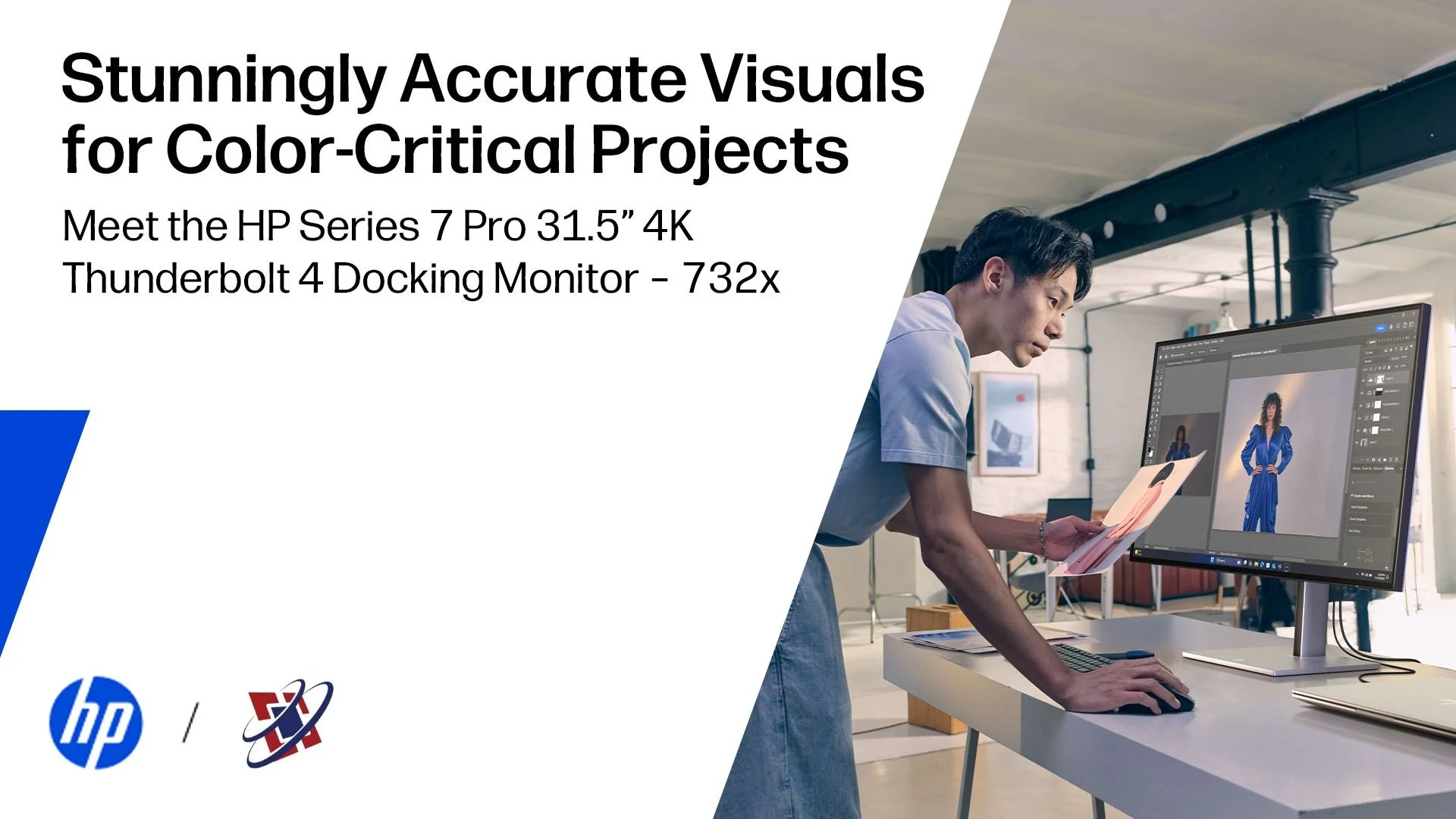
By displays, we mean their full high-definition monitors, complete with easy port plug-ins on each side of the monitor that provide easy access and keep your cables out of the way. And, with HP’s Series 7 Pro full HD monitors - they offer an adjustable stand and built-in dual speakers along with clearer visuals, cable ports, plus a high-performing keyboard.
Next, let’s talk about HP’s “Everywhere Ecosystem.”
The Everywhere Ecosystem addresses all of the components that may overwhelm your home workspace. When you are working remotely (at home or in a public space ) you’ll need a few components to set up your temporary workspace: a mouse, keyboard, laptop, and maybe even a monitor. You may not need every piece of equipment with you when working remotely but when setting up any workspace, you want efficiency and definitely less clutter.
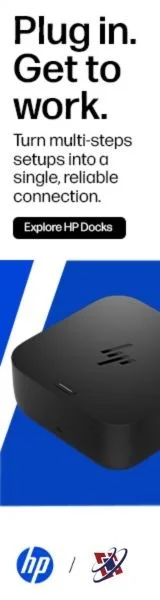
When you see a low profile HP dock, it looks like a small charging device. But it’s the key in connecting multiple devices when usually none of them will interconnect together. This is where an HP docking station comes into play. These docks are connectivity devices for your laptops, desktops, mobile phones, complete with multiple USB ports - for whichever cable or port your device has. They make accessibility easy so you’re not plugging in your accessories to your laptop or monitor, and when you connect all of these through a dock, it allows multiple display support — meaning your windows on each device will show on one to give the experience of a desktop at a traditional office setup. Plus, HP delivers IT protection, easily manages endpoint security - so what’s connected between your devices and stays within the dock.
HP understands your work from home needs and pain points and remains focused on quality of their devices and the total user experience.
Check out HP Docks & HP Displays.